

Blog
PLA filament in 3D Printing: The Ultimate Beginner’s Guide
Nov
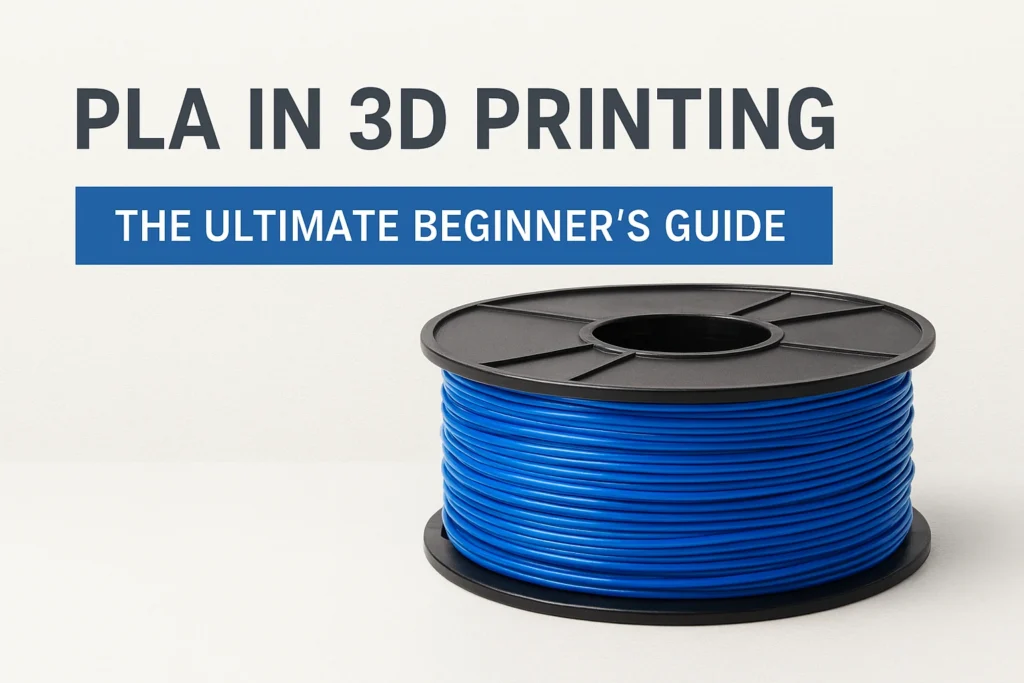
PLA filament is the most popular and beginner-friendly material in 3D printing. Known for its stability, ease of use, and high visual quality, it’s ideal for anyone starting with FDM printers. In this guide, we’ll cover everything you need to know — from technical properties and optimal print settings to common applications and professional tips.
What Is PLA Filament?
PLA (Polylactic Acid) is a biodegradable thermoplastic polyester derived from renewable resources such as corn starch or sugarcane. It’s one of the most widely used 3D printing filaments thanks to its excellent dimensional accuracy, smooth finish, and low printing temperature.
PLA melts between 170°C and 180°C and has a glass transition temperature (Tg) around 55–60°C. This makes it easy to extrude and ideal for printing at home or in educational environments.
PLA Material Properties
| Property | Typical Value |
|---|---|
| Density | 1.24 g/cm³ |
| Glass Transition Temperature | 55–60°C |
| Melting Point | 170–180°C |
| Tensile Strength | 50–70 MPa |
| Elongation at Break | 4–10% |
| Printing Temperature | 190–220°C |
| Bed Temperature | 0–60°C |
| Shrinkage | <0.3% |
Advantages of PLA Filament
- Excellent dimensional accuracy and low warping
- Odor-free printing compared to ABS
- High surface quality with glossy finishes
- Eco-friendly — made from renewable resources
- Compatible with all major 3D printers and slicers
Limitations of PLA
- Low heat resistance — softens above 60°C
- Brittle and less impact-resistant than PETG or ABS
- Moisture-sensitive over time
- Limited chemical resistance
Recommended PLA Settings (Cura / PrusaSlicer / Bambu Studio)
These parameters provide a reliable baseline for most brands of PLA filament. Adjust slightly depending on printer type and ambient temperature.
| Parameter | Recommended Value | Notes |
|---|---|---|
| Nozzle Temperature | 200–210°C | 190°C for fine detail; higher for better layer adhesion |
| Bed Temperature | 50–60°C | Improves first-layer adhesion |
| Layer Height | 0.12–0.24 mm | 0.16 mm recommended for balance |
| Print Speed | 45–65 mm/s | Slower for detailed models |
| Retraction Distance | 0.8–1.2 mm (Direct) / 3–5 mm (Bowden) | Prevents stringing |
| Retraction Speed | 25–40 mm/s | Avoid grinding filament |
| Cooling Fan | 100% after layer 2 | Crucial for overhangs and small parts |
| Flow Rate | 95–100% | Calibrate using a flow cube |
| Infill Density | 10–25% | Adjust for functional parts |
| Wall Thickness | ≥1.2 mm (3 perimeters) | Improves strength |
| Brim / Skirt | Brim (5–8 lines) | Enhances adhesion |
| Supports | Threshold 75° | Easy to remove for PLA |
Common PLA Applications
- Prototypes and design validation
- Architectural and educational models
- Fit and assembly tests
- Decorative and artistic prints
- Lost-PLA casting molds for metal parts
Post-Processing Tips for PLA Prints
- Sanding: Use fine-grit paper (400–1000) gently to avoid melting.
- Painting: Apply a plastic primer before painting for best adhesion.
- Annealing: Heat the model to 80–100°C for 30–60 minutes to increase thermal resistance.
- Storage: Keep PLA filament in a sealed container with desiccant to prevent moisture absorption.
Conclusion
PLA remains the benchmark filament in 3D printing. Its reliability, visual quality, and predictable behavior make it the ideal choice for beginners and professionals alike. Mastering PLA printing parameters — from nozzle temperature to cooling and retraction — builds the foundation for successful work with advanced materials like PETG, ABS, and Nylon.
If you’re starting your 3D printing journey, PLA filament should be your first stop. It’s the perfect balance between performance, simplicity, and sustainability.
Keywords:
PLA filament, 3D printing filament, PLA settings, 3D printer materials, FDM printing, PLA vs ABS, how to print with PLA, PLA temperature settings, 3D printing guide
